
So sánh toàn diện với giáo dục hiện đại
Trong Giáo Dục hiện đại, học tập tương tác, và môi trường làm việc hợp tác, việc lựa chọn giữa bảng tương tác được chứng nhận edla và bảng trắng truyền thống là xa tầm thường. Trong khi cả hai công cụ đều phục vụ cho mục đích cụ thể, chức năng, trải nghiệm người dùng và giá trị lâu dài khác nhau đáng kể. Hướng dẫn này cung cấp sự so sánh sâu giữa edla (thỏa thuận cấp phép thiết bị doanh nghiệp) bảng trắng tương tác và bảng trắng truyền thống, giúp các nhà giáo dục và tổ chức đưa ra quyết định sáng suốt.
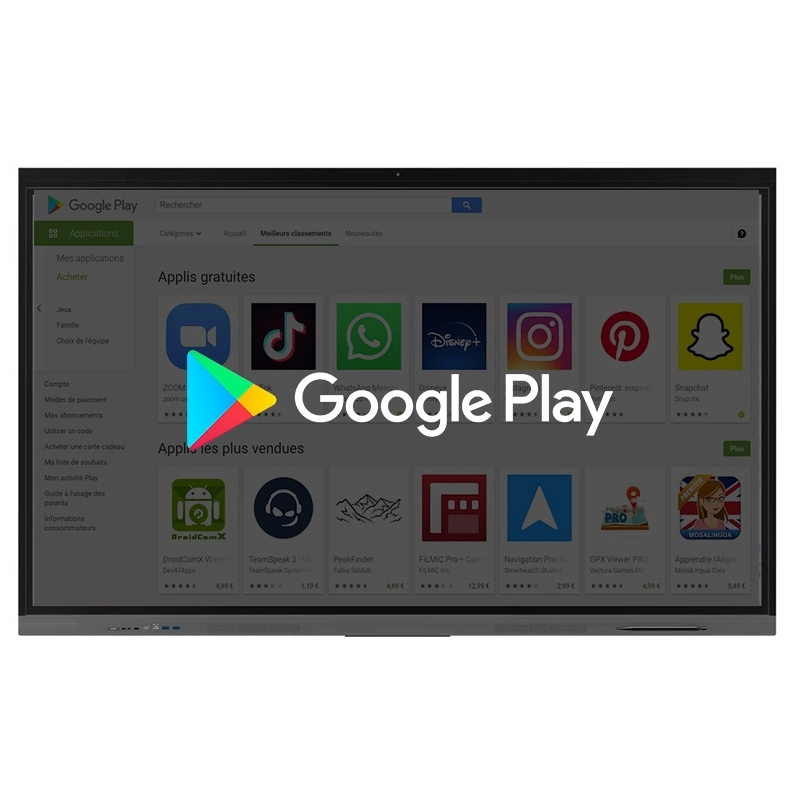
Thỏa thuận cấp phép thiết bị doanh nghiệp của google (edla) là một chương trình chứng nhận được thiết kế để đảm bảo màn hình tương tác chạy phiên bản Android được ủy quyền, tối ưu hóa và bảo mật đầy đủ. Các thiết bị được edla chứng nhận truy cập liền mạch các dịch vụ của Google như Google Play, Gmail, Google Drive và Google Classroom, nâng cao cả kinh nghiệm giảng dạy và hợp tác.
Trong lớp học ngày nay, các nhà giáo dục cần nhiều hơn chỉ là một màn hình hiển thị-Chúng yêu cầu một nền tảng tích hợp vào hệ sinh thái Giáo Dục Kỹ thuật số. Bảng trắng tương tác được chứng nhận edla, chẳng hạn như bảng trắng tương tác qtenboard, cung cấp quyền truy cập vào các ứng dụng Google bản địa đồng thời đảm bảo sự ổn định và bảo mật. Giáo viên có thể sử dụng vô số công cụ giáo dục mà không phải lo lắng về các vấn đề tương thích hoặc hạn chế hệ thống, làm cho việc lập kế hoạch bài học và giao hàng hiệu quả hơn.
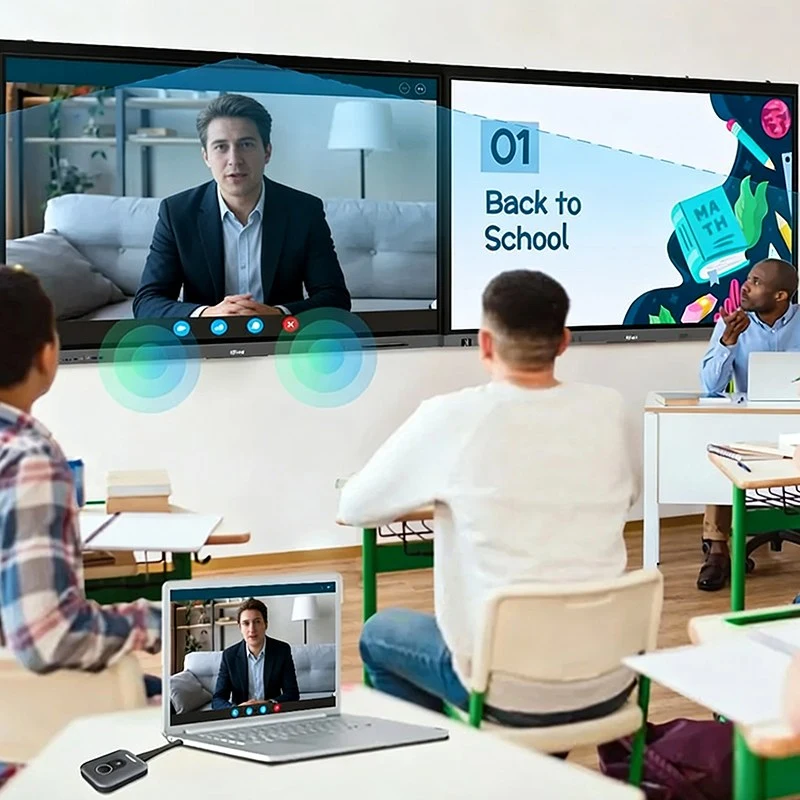
Không giống như bảng trắng truyền thống, màn hình tương tác edla Hỗ trợ tương tác năng động, thời gian thực. Nhiều học sinh có thể viết, vẽ hoặc chú thích đồng thời trên màn hình. Với qtenboard, giáo viên có thể thiết kế các bài học tương tác, các hoạt động hợp tác và các bài tập cá nhân, cho phép học sinh tích cực tham gia đồng thời bồi dưỡng sự hiểu biết sâu sắc hơn về chủ đề.
Bảng Trắng truyền thống là các công cụ giáo dục và hợp tác lâu dài. Sử dụng bút đánh dấu và tẩy, chúng cho phép chia sẻ ý tưởng nhanh chóng, động não và hướng dẫn trong lớp học.
| Tính năng | Bảng tương tác edla | Bảng Trắng truyền thống |
|---|---|---|
| Chất lượng hiển thị | Độ phân giải 4K, màu sắc rực rỡ, khả năng cảm ứng đa điểm | Dựa vào các điểm đánh dấu, có thể mờ dần theo thời gian, không hỗ trợ đa phương tiện |
| Tương tác | Tương tác động: chạm, vẽ, thao tác nội dung số, chú thích thời gian thực | Tĩnh: Chỉ có thao tác viết và xóa |
| Hợp tác | Hợp tác thời gian thực giữa các địa điểm, đầu vào đa người dùng | Chỉ giới hạn trong tương tác trực tiếp |
| Tích hợp phần mềm | Tích hợp liền mạch với lớp học Google, Microsoft Office, zoom và các nền tảng khác | Không có khả năng tích hợp phần mềm |
| Chức năng | Các tính năng phong phú: Thao tác trên màn hình cảm ứng, truy cập từ xa, quản lý nội dung kỹ thuật số, ghi âm, chú thích thông minh, công cụ ai | Cơ bản: Chỉ viết và xóa |
| Chi phí | Chi phí nâng cao hơn, nhưng giá trị kỹ thuật số lâu dài | Chi phí ban đầu thấp hơn, chi phí bảo trì liên tục |
| An ninh và khả năng tiếp cận | Mã hóa, điều khiển truy cập nhiều người dùng, hỗ trợ học từ xa, các tính năng tiếp cận | Chỉ an toàn vật lý, không có tính năng tiếp cận cho học sinh từ xa hoặc khuyết tật |
Màn hình được chứng nhận edla Hỗ trợ nhiều định dạng phương tiện, kết nối internet và tương tác thời gian thực, vượt xa bảng trắng truyền thống. Sản phẩm mang đến trải nghiệm tuyệt vời cho cả môi trường giáo dục và công ty.
Màn hình edla Cung Cấp Các chức năng cấp doanh nghiệp như quản lý từ xa, cài đặt có thể tùy chỉnh và giao thức bảo mật, cho phép các trường học và tổ chức triển khai nhiều thiết bị một cách hiệu quả và nhất quán.
Màn hình edla tích hợp với máy tính xách tay, máy tính bảng, điện thoại thông minh và máy ảnh, cho phép hợp tác nhiều thiết bị và hoạt động trơn tru trong các bài học hoặc các cuộc họp.
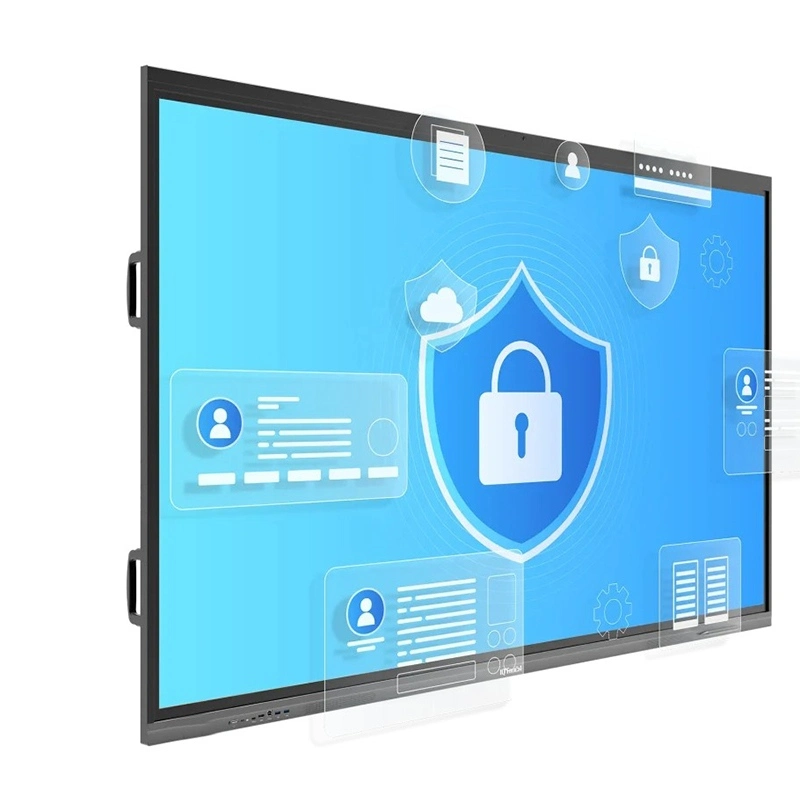
Nhiều cơ sở giáo dục đang nâng cấp lên bảng trắng tương tác qtenboard được chứng nhận edla để thực hiện các giải pháp lớp học thông minh. Các màn hình này cung cấp môi trường học tập tương tác, linh hoạt và tương lai, đảm bảo học sinh tham gia với nội dung một cách có ý nghĩa trong khi giáo viên Quản Lý Lớp học một cách hiệu quả.
Lựa chọn bảng tương tác edla hoặc bảng trắng truyền thống phụ thuộc vào nhu cầu và ngân sách của bạn:
Biến đổi Lớp học của bạn với công nghệ tương tác, hợp tác và tương lai
Nhấp để ĐọC Chi tiết sản phẩm và tìm hiểu về các tính năng chức năng và hiệu suất thực tế của sản phẩm.
📖Đọc sản phẩm
 VIE
VIE
 EN
EN  MAY
MAY  TH
TH  CHT
CHT  ID
ID  BUR
BUR  FIL
FIL  HKM
HKM  LAO
LAO  SIN
SIN